
The project
Press kit
Amber Folio plays Pool of Radiance, SSI’s 1988 Gold Box RPG, from your own GOG or Steam copy in a browser tab. Everything a writer needs is on this page: the facts, two descriptions, images cleared for use, and who to ask.
Fact sheet
- Name
- Amber Folio (two words; “the Amber Folio emulator” is fine)
- What it is
- A free, open-source emulator built only for SSI's Gold Box games, and a website that runs it in a browser tab
- Website
- amberfolio.org (opens in a new tab)
- Games
- Pool of Radiance (SSI, 1988). The rest of the Gold Box games follow one at a time, after the emulator’s 1.0
- Platforms
- Any current desktop browser (Windows, macOS, Linux); iPhone, iPad and Android phones. The emulator also builds natively for Windows, macOS and Linux from source
- What players need
- Their own copy of Forgotten Realms: The Archives – Collection Two from GOG (opens in a new tab) or Steam (opens in a new tab). No game files are provided
- Price
- Free. No account. No ads today
- Privacy
- The player’s game files and saves stay in their browser and are never uploaded. Cookie-less analytics, which the player can switch off
- Online since
- 12 September 2026
- Status
- Early. Pool of Radiance plays from start to finish. Emulator v0.11.1 (opens in a new tab), working towards 1.0. Status has the detail
- Not yet
- Other Gold Box games; controllers (play is by keyboard, real or on screen); saves syncing between devices
- Emulator source
- github.com/amberfolio/amberfolio (opens in a new tab), AGPL-3.0. The website itself is not open source
- Built with
- C++ compiled to WebAssembly. About 250 KB of emulator to download
- How it was made
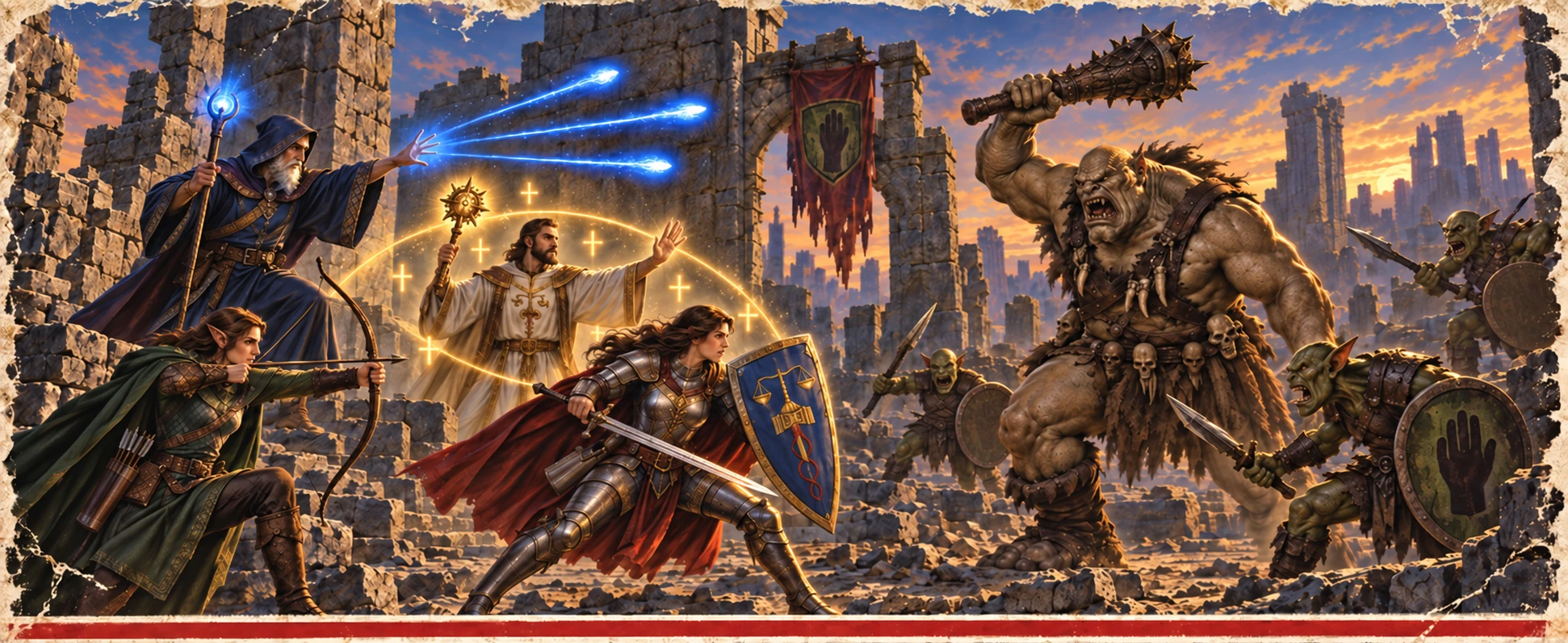
- Built over about four months, with heavy use of AI coding tools. The site's artwork, the box and frames included, was made with generative AI too
- Developer
- BussardRamjet
- Contact
- hello@amberfolio.org
- Affiliation
- Not affiliated with the rights holders of Pool of Radiance, the Gold Box games, Dungeons & Dragons or the Forgotten Realms
Short description
About 50 words.
Amber Folio is a free, open-source emulator built only for SSI’s Gold Box games. At amberfolio.org it plays Pool of Radiance in a browser tab, on a computer, an iPhone, an iPad or an Android phone, from the player’s own GOG or Steam copy, and nothing is uploaded. An automap and the Adventurer’s Journal sit inside the game’s own screen.
Long description
About 200 words.
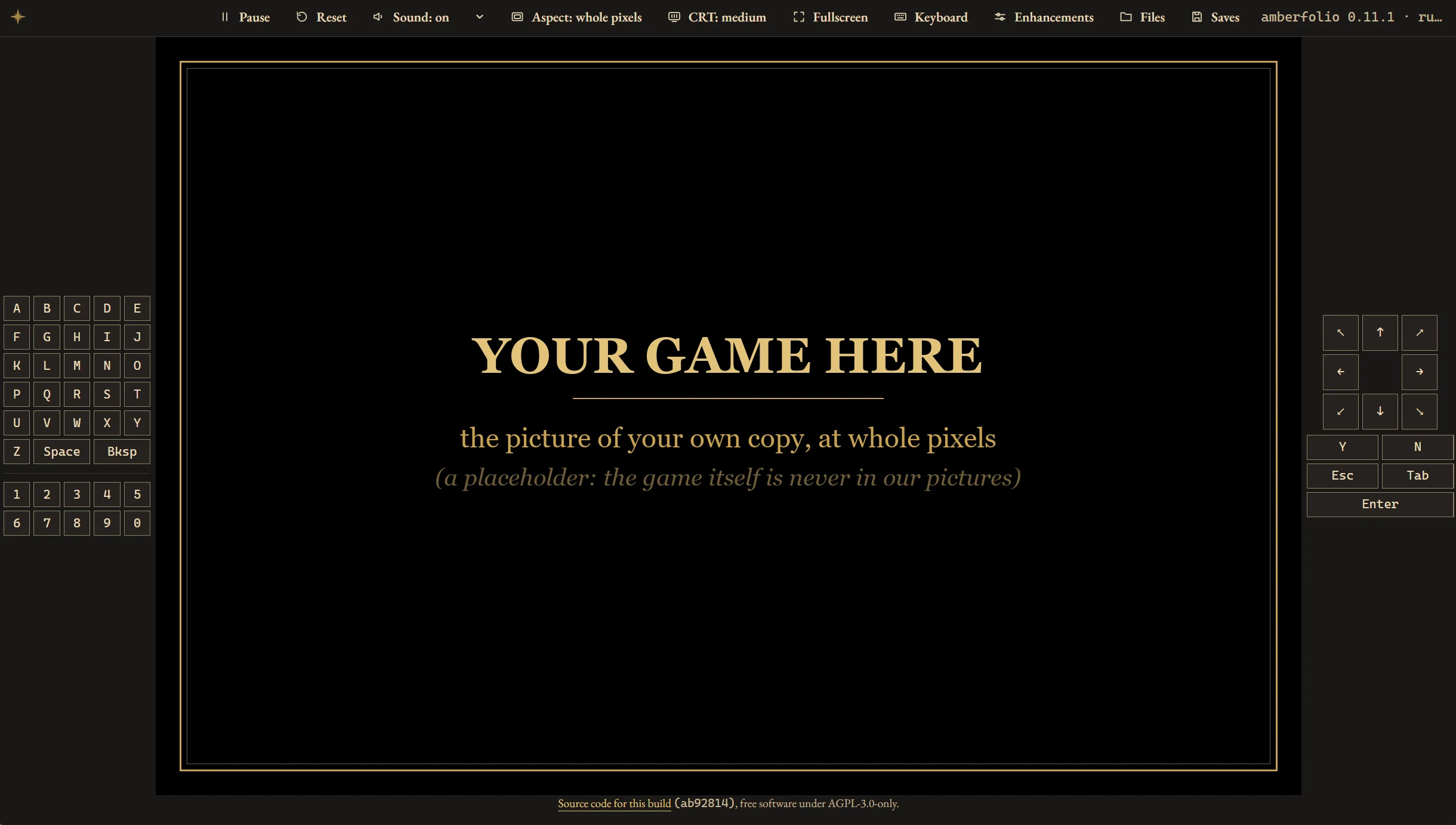
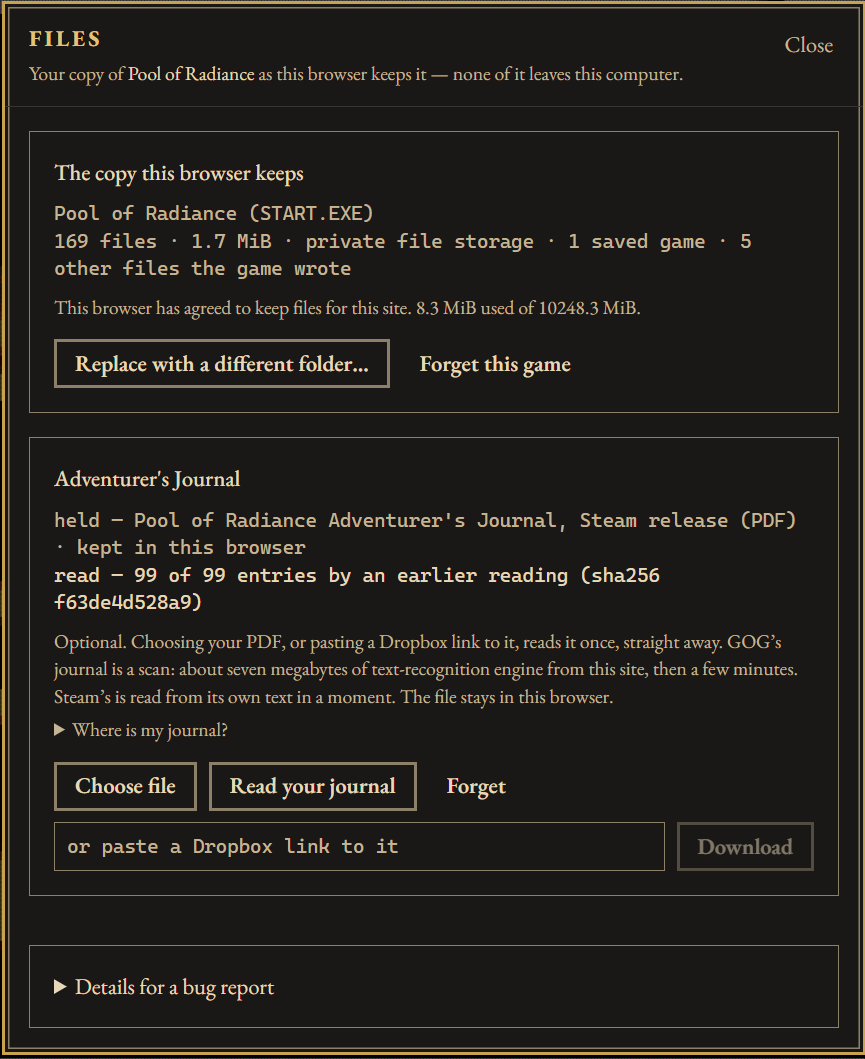
amberfolio.org plays Pool of Radiance, SSI’s 1988 Gold Box RPG, in a browser tab: on any computer with a current browser, or on an iPhone, an iPad or an Android phone, with nothing to install. Players bring their own copy from GOG or Steam (Forgotten Realms: The Archives – Collection Two). They hand over the game’s folder once, and their copy and their saves stay in the browser for next time, never uploaded. On a phone or a tablet, a keyboard drawn for the game, with only the keys it uses, sits beside the picture, or below it when the phone is upright. There’s no account, and it’s free.
Underneath is Amber Folio, an open-source emulator of exactly the PC the Gold Box games ran on: an 8086 checked against test data recorded from a real chip, EGA graphics, the timer, the PC speaker and the Tandy 1000’s sound chip. The program the player bought runs on it unchanged. Because the emulator recognises that program exactly, its additions live inside the game: an automap in the game’s own colours, the Adventurer’s Journal on the game’s screen in its font, a Fix command in camp, a plainer lettering for readability, and a CRT filter. None of them changes the story, the rules or the challenge, and each one switches off.
Amber Folio was built with heavy use of AI coding tools. It is early: Pool of Radiance plays from start to finish, and the rest of the Gold Box family follows one game at a time.
What players get
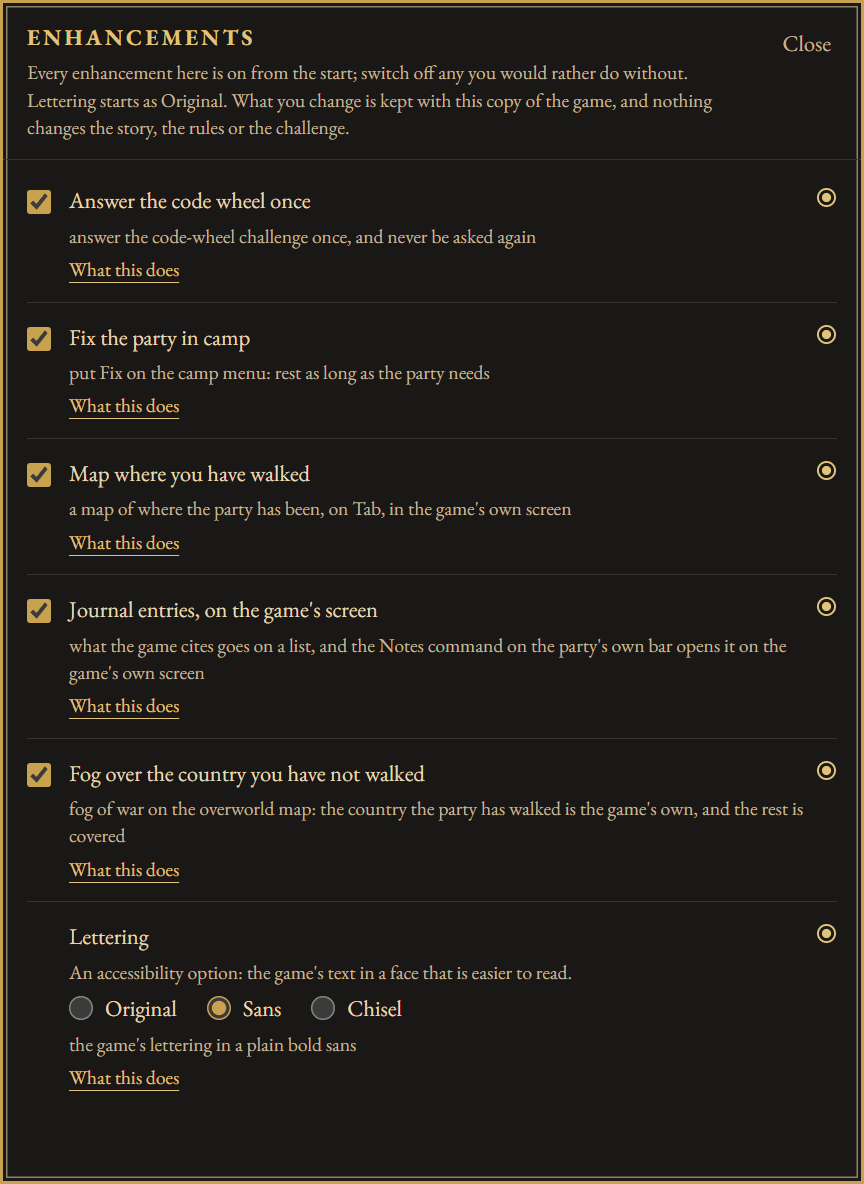
The enhancements, each optional and each part of the game’s own screen:
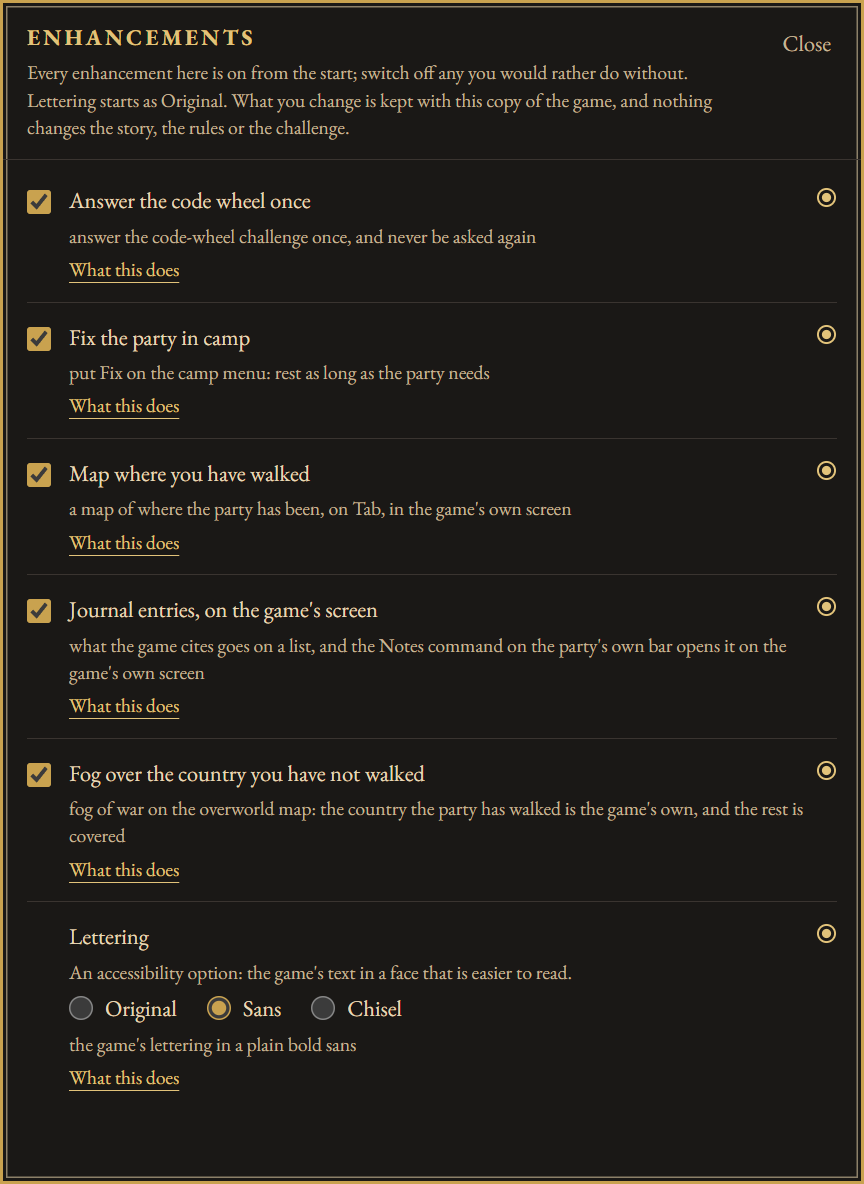
- Map where you have walked. Tab draws a map of the squares the party has walked, on the game’s own screen in its own sixteen colours, and Tab takes it away again.
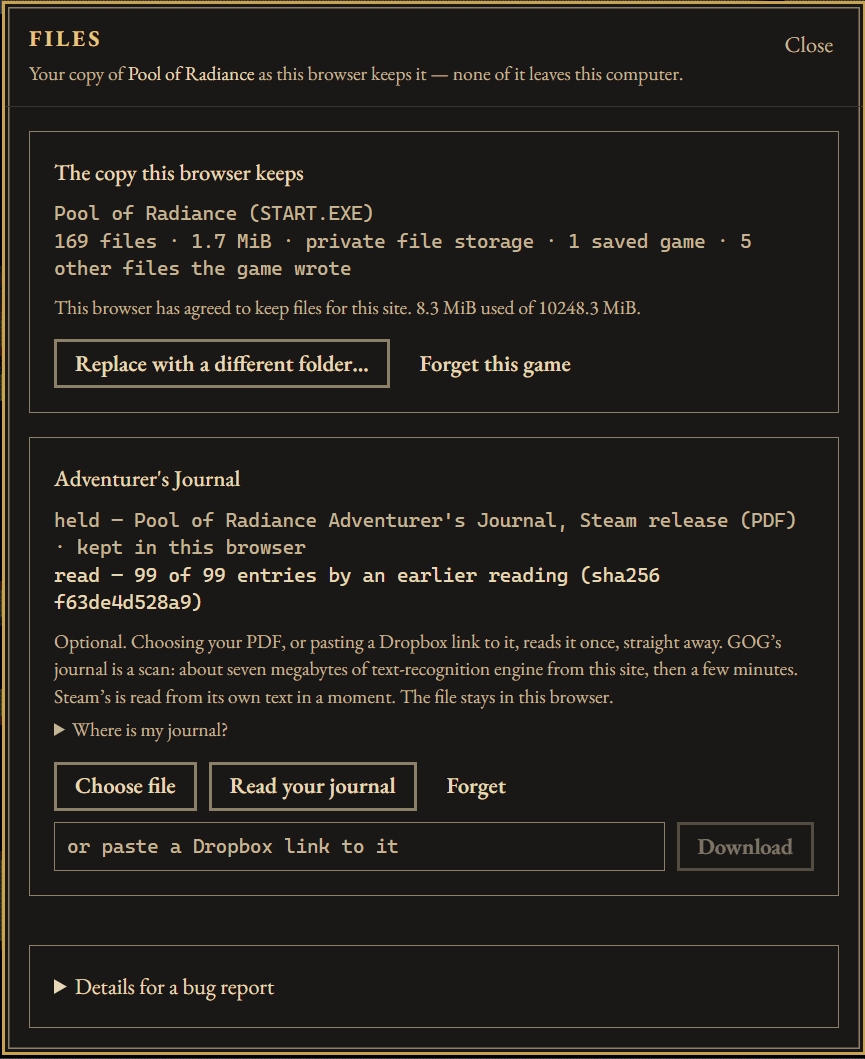
- Journal entries, on the game’s screen. When the game cites an entry of the Adventurer’s Journal, it goes on a list, and a Notes command opens it as a full screen in the game’s font. The journal is the player’s own, from their GOG or Steam copy, read once in the browser.
- Fix the party in camp. A Fix command on the camp screen. The party casts the cures it already carries, then rests off however many days the wounded still need, all by the game’s own rules.
- Fog over the country you have not walked. On the overworld map, ground the party hasn’t reached sits under a fine black haze that lifts as it travels.
- The code wheel asks once, then remembers you answered.
- Lettering. An accessibility option that draws the game’s text in a plainer face (a bold sans, or the same face cut as if by a broad pen). It starts as Original, the game’s own.
And around the game:
- The way it looked and sounded. A CRT filter draws the picture through a colour monitor’s mask and scanlines, and the footsteps and fights play on the Tandy sound chip, as the game drives it.
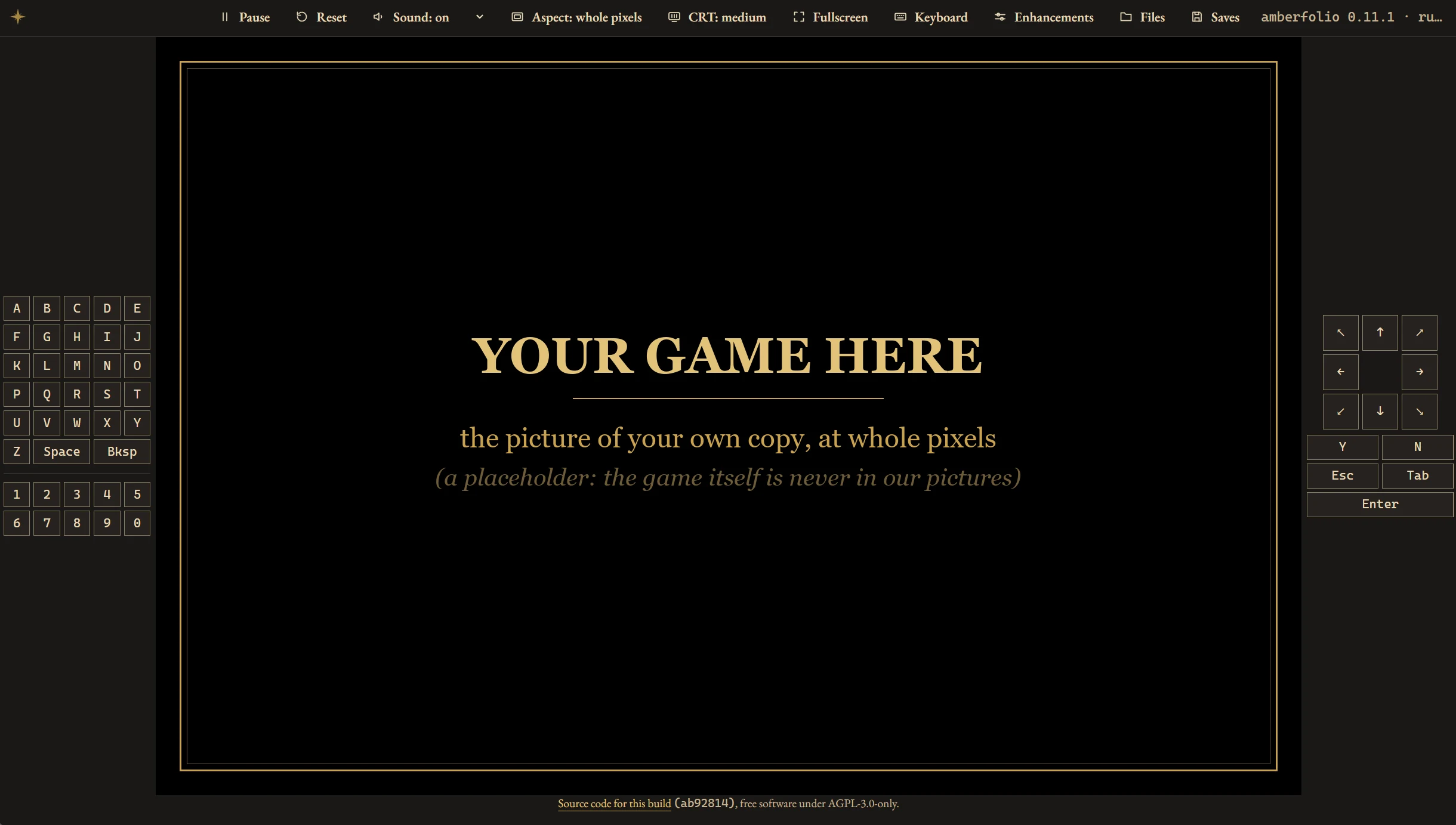
- A keyboard made for the game. On a phone or a tablet the player paints a keyboard with only the keys the game uses: an eight-way pad, Y and N, Esc, Tab and Enter on one side, A to Z and 0 to 9 on the other. The game’s picture is nearly square, so on a phone on its side, or any wide screen, the keys fill the space either side of it and never cover it. Holding a key repeats it, as a real keyboard does.
- Saves that go anywhere. A saved game exports as a zip that unpacks straight into a GOG or DOSBox install.
- A Dropbox link works too. Paste a share link to the game folder’s zip to play on another computer. The browser downloads it straight from Dropbox; it never passes through the site.
None of the enhancements changes the story, the rules or the challenge. With all of them switched off, the emulator’s tests check that a run ends in exactly the same machine state as a build with no enhancement code at all.
How it was made
Amber Folio was built over about four months with heavy use of AI coding tools, and the developer says so wherever it is posted. Generative AI was also used for the website and its artwork, the box and the page frames included, as the site’s footer says. Its correctness is checked the same way whoever typed the code: the 8086 core passes a public test suite recorded from a real chip on every change, and the enhancements-off test above holds the game to its original behaviour. The emulator’s source is public, so anyone can judge it.
Questions
Do players need to own the game?
Yes. Pool of Radiance is sold inside Forgotten Realms: The Archives – Collection Two on GOG (opens in a new tab) and on Steam (opens in a new tab). Players install it, then hand the site the game’s folder; the player’s Where is my copy? button lists the usual install folders. On a phone or tablet there’s no folder, so they select the files or a zip of the folder instead. The guide walks through it.
Why not DOSBox?
DOSBox is excellent, and it’s how GOG and Steam already ship the game. Amber Folio is a different design: a machine made only of what the Gold Box games touch, with the program the player bought running on it unchanged. Because it knows exactly which program it is running, its enhancements can live inside the game. It also runs in a browser tab, iPhone, iPad and Android included, with about 250 KB of emulator to download. And a player can always go back: saves unpack straight into a GOG or DOSBox install.
Is it open source?
The emulator is, under AGPL-3.0, at github.com/amberfolio/amberfolio (opens in a new tab). The website is not; every page that runs the emulator links to the exact source commit it was built from.
Are the player’s files uploaded?
No. They stay in the browser’s storage. The site uses cookie-less analytics (page views, and on the player that a game started and how long the session lasted, with the game’s name and nothing about the player’s copy). It can be switched off on the privacy page, and a browser that sends Global Privacy Control has it off already.
Was it made with AI?
Yes: heavy use of AI coding tools for the emulator and the site, and generative AI for the site’s artwork. See How it was made above.
Will there be ads?
Not today: the site shows no ads and loads no advertising scripts. Advertising is planned for later, and the privacy page will be updated before any of it ships.
Is it official?
No. Amber Folio is not affiliated with the rights holders of Pool of Radiance or the Gold Box games.
Which games are next?
The rest of the Gold Box family, one game at a time, after the emulator’s 1.0. Games lists all thirteen.
Images
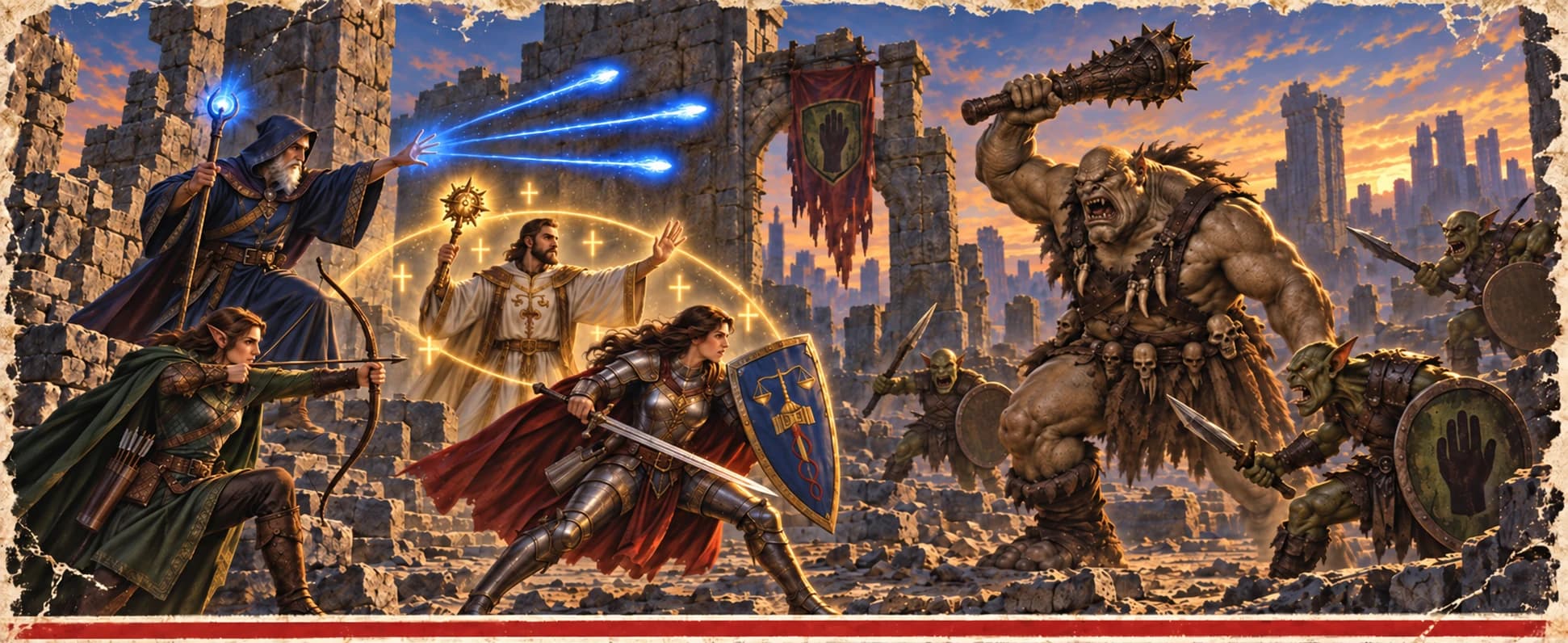
All cleared for press use. None shows the game: this page offers only Amber Folio’s own art and the player’s own controls. The box art and the page frames were made with generative AI; please say so beside them.

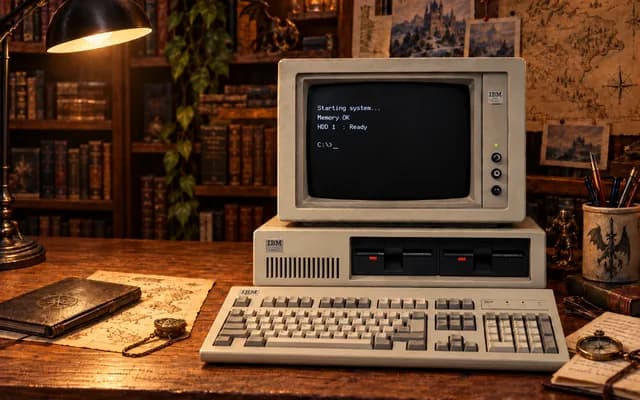

The box’s other parts, as files: logo (PNG, 800×262), tagline plate, top edge, side, foot, stripe, barcode label. Alt text should name the part, for example “The side of the Amber Folio box”.
Naming and trademarks
- Write Amber Folio, two words, capital F. The site is amberfolio.org, lower case.
- “Pool of Radiance”, “Gold Box”, “Dungeons & Dragons” and “Forgotten Realms” belong to their owners and are used here only to say what Amber Folio is compatible with. Trademarks names each owner.
Contact
BussardRamjet, hello@amberfolio.org.
Legal
Amber Folio is not affiliated with the rights holders of Pool of Radiance, the Gold Box games, Dungeons & Dragons or the Forgotten Realms. Players need their own copy; the site provides no game files.